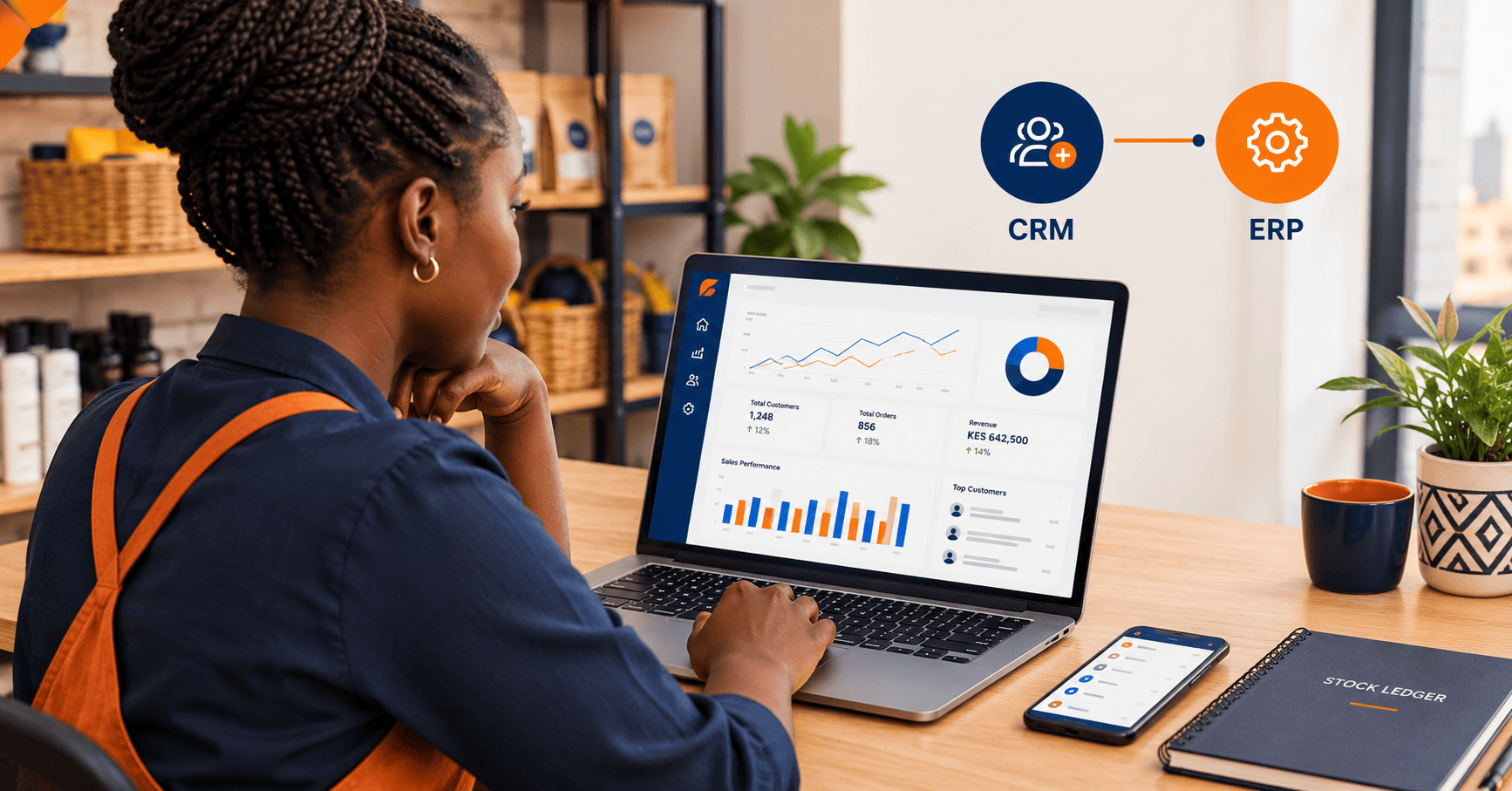
CRM vs ERP: Which Business Software Does Your Kenyan Business Actually Need?
Information scattered across WhatsApp, notebooks, spreadsheets, payment messages and employees' memories. Two types of software can bring order: CRM and ERP.
They solve different problems, and choosing the right one can save your business time, money and unnecessary frustration. So, what is the difference, and do you need both?
The morning that looks familiar
At 8:00 a.m., a customer sends your business a WhatsApp message asking for a quotation. Your salesperson replies, promises to follow up, and moves on to the next inquiry.
By lunchtime, three other customers have called. One has paid through M-Pesa, another is asking why their order has not been delivered, and a fourth wants to know whether an item is in stock.
Two types of business software can help: Customer Relationship Management (CRM) and Enterprise Resource Planning (ERP). Let us break it down using examples that make sense for Kenyan and East African businesses.
What is a CRM system?
CRM stands for Customer Relationship Management. A CRM system helps your business organise customer information, manage sales opportunities, follow up with prospective customers and build stronger relationships with existing ones.
Think of it as a shared memory for your sales and customer service team. Instead of relying on individual employees to remember who called, who requested a quotation or who promised to pay on Friday, a CRM keeps those details organised in one place.
What can a CRM do?
Depending on the software, a CRM may help you:
- Store customer contact details and communication history.
- Record inquiries received through your website, telephone, email or social media.
- Track potential customers from first inquiry to completed sale.
- Schedule follow-up calls, meetings and reminders.
- Manage quotations and sales opportunities.
- Record customer complaints and service requests.
- Identify repeat customers and opportunities for additional sales.
- Measure sales performance and conversion rates.
The goal is simple: stop losing business because you forgot to follow up.
Who benefits most from a CRM?
A CRM is particularly useful where winning and retaining customers requires regular communication. Examples include real estate agencies, insurance brokers, professional service firms, tour operators, marketing agencies, wholesalers, event companies and businesses that sell through social media or WhatsApp.
What is an ERP system?
ERP stands for Enterprise Resource Planning. An ERP system connects the internal processes that keep a business operating, which may include inventory, purchasing, finance, invoicing, orders, projects, human resources and reporting.
Think of ERP as your business's central operations and coordination system. Instead of maintaining separate records for stock, supplier purchases, customer orders and financial transactions, an ERP brings related processes together so information is easier to access and reconcile.
What can an ERP do?
Depending on the product and configuration, an ERP may help you:
- Track stock quantities, stock movements and reorder levels.
- Manage suppliers, purchase orders and supplier bills.
- Record sales, invoices, expenses and other transactions.
- Coordinate orders, deliveries and fulfilment.
- Monitor operational costs and business performance.
- Manage staff information, permissions and selected HR processes.
- Consolidate information from multiple branches or departments.
- Generate reports that support budgeting and management decisions.
The goal is to reduce operational confusion and give management a clearer picture of how the business is performing.
Who benefits most from ERP?
ERP becomes particularly valuable when a business has several interconnected processes that are difficult to manage separately. Examples include hardware retailers, distributors, manufacturers, pharmacies, multi-branch businesses, schools, clinics and organisations managing multiple projects or budgets.
CRM vs ERP: what is the difference?
The simplest distinction is this: a CRM helps you manage customers and sales, while an ERP helps you manage the resources and processes needed to run the business. The two systems can share information, but they have different primary purposes.
| Area | CRM | ERP |
|---|---|---|
| Main purpose | Manage customer relationships and sales opportunities | Manage business operations and resources |
| Primary focus | Prospective and existing customers | Stock, transactions, suppliers, finance and internal processes |
| Typical users | Sales, marketing and customer service teams | Operations, finance, procurement, inventory and management teams |
| Key question | Who might buy from us, and what should we do next? | What resources do we have, what do we owe, and how are operations performing? |
| Common records | Contacts, leads, calls, quotations and follow-ups | Stock, purchase orders, invoices, expenses and operational records |
| Common measures | Lead conversion, sales pipeline and customer retention | Stock accuracy, costs, outstanding balances and operating performance |
| Main benefit | Better customer follow-up and sales visibility | Better coordination, record-keeping and operational visibility |
CRM and ERP in real Kenyan business situations
Let us see how these systems might help different businesses.
A Nairobi real estate agency
Your agency advertises rental properties and homes for sale, and inquiries arrive through listings, referrals, social media and WhatsApp.
- Record prospective tenants and buyers
- Match prospects with suitable properties
- Schedule viewing appointments
- Track negotiations and follow-ups
- Identify likely conversions
- Rent records and property expenses
- Supplier payments
- Maintenance costs
- Financial reporting
A hardware shop or wholesale distributor
Your business sells to walk-in customers, fundis, contractors and smaller retailers.
- Track contractor and wholesale relationships
- Remember preferences and quotation history
- Schedule follow-ups on large orders
- Spot repeat purchasing opportunities
- Track stock across categories or branches
- Manage supplier orders and purchasing
- Monitor stock movements and reorders
- Record sales, expenses and balances
- Compare sales and costs
A school or training institution
A school may need to follow up with prospective parents, communicate with existing families, manage admissions and respond to inquiries. Those customer-facing activities could benefit from CRM functionality.
- Prospective parent inquiries
- Admissions follow-up
- Communication with families
- Fee billing
- Procurement and stock
- Staff administration
- Financial reporting
An NGO, community organisation or association
A CRM can help organise donor relationships, partnership discussions, fundraising opportunities and supporter communication.
- Donor and stakeholder records
- Partnership discussions
- Fundraising opportunities
- Supporter communication
- Budgets and expenses
- Procurement
- Staff costs
- Project reporting
Can one system replace the other?
Generally, CRM and ERP are not interchangeable.
Interest is not inventory
- It can tell you a customer wants 200 units
- It cannot reliably confirm you have 200 units
- It cannot say which supplier can replenish them
- It may not confirm whether the sale is profitable
- Operations still live elsewhere
Stock is not a sales pipeline
- It can record a completed order
- It can update inventory
- Its customer communication features may be thin
- It may not manage a complex sales pipeline
- Relationships still live elsewhere
What about small businesses? Do you need a full ERP?
No. The word enterprise can make ERP sound like something reserved for large corporations. Likewise, CRM may sound like a tool for companies with large sales departments. Neither label should determine your decision.
CRM, ERP or both? How to choose
Use the following guide to identify where to begin.
If follow-up is your leak
- Leads go unanswered or get late follow-ups
- No one can establish the status of an opportunity
- Customer info is scattered across phones and inboxes
- Communication with existing customers is inconsistent
- You want better conversion and retention
If operations are your leak
- Stock records differ from physical stock
- Supplier purchases and orders are hard to coordinate
- Invoices, expenses and payments live in separate systems
- Branch figures cannot be consolidated
- Management lacks reliable operational reports
If the whole journey is broken
- A busy pipeline and complex fulfilment
- Orders must coordinate with stock, procurement and finance
- Teams re-enter the same data into separate systems
- You need a consistent view from inquiry to paid order
- Integration or a unified platform becomes the question
The Kenyan business owner's checklist
Understanding CRM and ERP is only half the decision. Your chosen system must work in the environment in which your business operates.
M-Pesa and reconciliation
Ask whether the software supports your actual payment workflow, such as STK Push, Paybill or Till payments, and how references, receipts, balances and refunds are handled.
Do not assume an M-Pesa option means automatic reconciliation against invoices.eTIMS and invoicing
Consider your electronic invoicing obligations before choosing an invoicing or ERP solution. Read the KRA eTIMS guidance and confirm requirements with KRA or your tax adviser.
eTIMS software is available free from KRA, though integration may cost extra.Mobile access and usability
If staff work from shops, offices, warehouses, client premises or branches, mobile access matters. Look for an interface that works comfortably on phones as well as computers.
Ask daily users to test common tasks before you buy.Data protection and security
A CRM holds names, numbers, emails and purchase histories. An ERP holds sensitive financial, employee and supplier records. Check permissions, secure access, backups, retention and export options.
Assess your Data Protection Act obligations via the ODPC's guidance.Reporting that supports decisions
Do not settle for attractive graphs with little practical value. Your CRM should clarify leads, follow-ups and sales progress. Your ERP should answer questions about stock, costs, payments and performance.
Ask the vendor to demonstrate the actual reports you need.Total cost of ownership
Compare more than the purchase price. Consider setup, subscriptions, integrations, migration, training, support, maintenance and future changes.
A cheap system that needs hours of manual work weekly can cost more over time.How to implement CRM or ERP without disrupting your business
Purchasing software is not the same as improving a business process. Successful implementation requires a little planning.
- Identify your biggest bottleneck. Write down the three tasks that consume the most time or produce the most frequent mistakes.
- Document your current process. Establish how information moves from customer inquiry to payment, delivery, reporting or follow-up.
- Prioritise essential features. Separate what you need immediately from features that can wait until a later phase.
- Clean your existing records. Remove unnecessary duplicates, standardise important fields and organise the data you intend to migrate.
- Test with real workflows. Use a small pilot group and run realistic transactions before moving the whole business onto the new system.
- Train your team. Explain how the software makes their work easier and agree on who is responsible for updating each record.
- Measure the results. Track meaningful outcomes, such as fewer missed follow-ups, more accurate stock records, faster reporting or less time preparing invoices.
The bottom line
CRM and ERP address two sides of business growth. A CRM helps you understand who your customers are, where your sales opportunities stand and what your team should do next. An ERP helps you coordinate the operational resources and processes needed to deliver what you sell.
For some Kenyan businesses, the right first step is a straightforward CRM. For others, the priority is inventory, invoicing, procurement or financial visibility. Businesses with more complex operations may benefit from both.
The best system is not the one with the most features. It is the one that solves your most important business problems, fits your budget and can grow with you.
Need a business system that fits the way you work?
At Stonehenge Digital KE, we help businesses replace disconnected spreadsheets, paper records and scattered WhatsApp conversations with practical, web-based business management systems.
Depending on your requirements, a system can bring together invoicing, payment tracking, inventory management, bookings, customer records and reporting in one place. We start by understanding how your business operates, identify the problems worth solving first and recommend a suitable scope rather than selling you software you do not need.
Let us build a system that makes running your business simpler
Explore our business management services, review our packages, or get in touch to discuss the specific challenges facing your business.
Business Management System services · Pricing and packages
Explore Business Management Systems →Interested in Business Management System?
Let's build this for your business
Replace spreadsheets, paper records, and WhatsApp chaos with a custom system built for exactly how your business works.