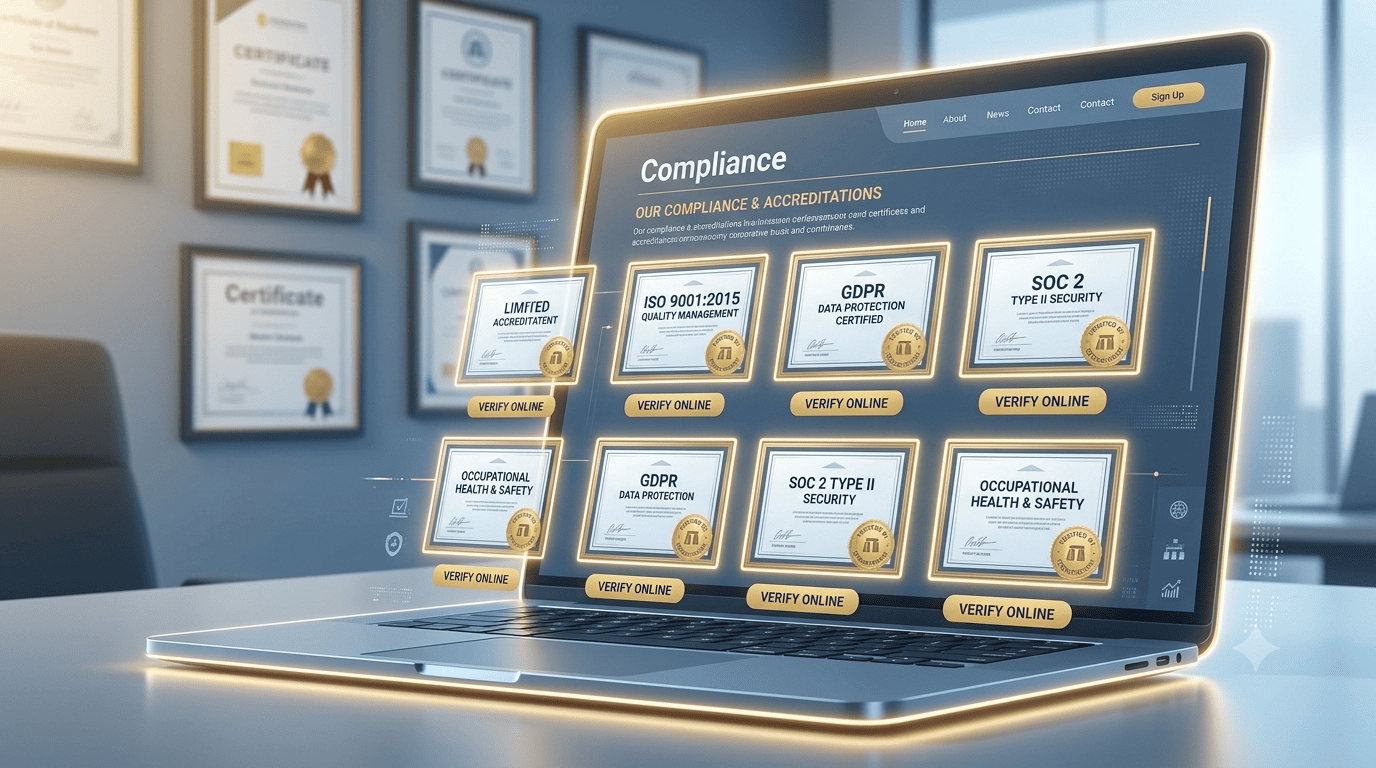
From Dusty Frame to Digital Credibility
Your office wall is covered with framed certificates: your NCA registration, your KEPSA membership, your ISO certification, your KRA PIN, your professional body accreditation. They impress clients who visit your office. But what about the 95% of procurement officers who will never step foot in your physical office?
They judge you by your website. And if those certificates are invisible online, they might as well not exist. The good news: digitising your credentials is simple, powerful, and can significantly boost your tender win rate.
Invisible Online
- Only visible to physical visitors
- Procurement officers cannot verify
- Blurry phone photos sent via email
- Tender documents lack proof
- Trust is assumed, not proven
Digitally Verifiable
- Accessible to 100% of potential clients
- One-click verification links
- Professional, scanned PDFs
- Ready to attach to tenders
- Trust is proven, not assumed
The digital credential stack
Four elements that turn your website into a verifiable trust vault for procurement officers.
1. The "Compliance" Page
Create a single, dedicated page. Display high-quality images of your certificates, the issuing body, and the certificate number. Crucially, add a verification link if the issuing body has an online portal.
Example "Verify our NCA registration here: [NCA portal link]." This turns your claim into independently verifiable proof.2. The "Trust Badges" Footer
In your global footer, display small, greyscale icons of your most important credentials: NCA, KRA PIN, KEPSA, ICPAK.
The impact These badges appear on every page, silently reinforcing your legitimacy as the evaluator scrolls.3. The "Verified by Stonehenge" Seal
We provide our clients with a digital seal stating: "This business's credentials have been verified by Stonehenge Digital." When clicked, it opens a verification page confirming we have sighted the physical certificates.
The meta-trust It is a third party vouching for you, adding an extra layer of credibility to your procurement bid.4. The "Download Credential Pack"
On the Compliance page, offer a single PDF containing all your certificates in one document.
The convenience The procurement officer can download it, attach it to their evaluation, and file it. This alone can give you a distinct edge.How to digitise your certificates
Do not just snap a blurry phone photo. Follow these steps to create clean, professional digital assets.
- Scan, don't just snap: Use a dedicated scanner app (like Adobe Scan or Microsoft Lens) on your smartphone to capture clean, straight, high-contrast documents.
- Clean it up: Crop them neatly, remove any background clutter, and save them as PDF or high-resolution PNG.
- Upload and organize: Upload them to your website's media library and display them clearly on the Compliance page.
- Watermark for safety: If possible, add a subtle, transparent watermark: "For verification purposes - [Your Company Name]." This deters misuse of your documents.
Do not let your credibility gather dust on a wall. A procurement officer evaluating your bid online needs to see your compliance before they even read your proposal.
Digitise your credentials, make them verifiable, and win more tenders.
Ready to build your digital trust vault?
Stonehenge Digital builds organisational websites with dedicated compliance pages, verified credential seals, and downloadable proof packs, designed specifically to win procurement trust.
Digitise My Credentials →Interested in Portfolio & Organisational Website?
Let's build this for your business
A professional, mobile-first website that makes your business look credible and gets found on Google.