E-Commerce | Customer Retention
The Friction You're Ignoring
Imagine a customer who buys the same coffee, skincare product, household essential, or business supply from your online store every month. They already trust your products and know what they want.
Yet every time they need to buy again, they must find your website, search for the product, select the quantity, enter their delivery details, provide their M-Pesa number, and wait for the payment prompt.
Those repeated steps create unnecessary friction. The customer may postpone the purchase, forget about it, or buy from a competitor whose ordering process feels easier.
Make the next purchase easier
Let returning customers reorder familiar products without starting from scratch.
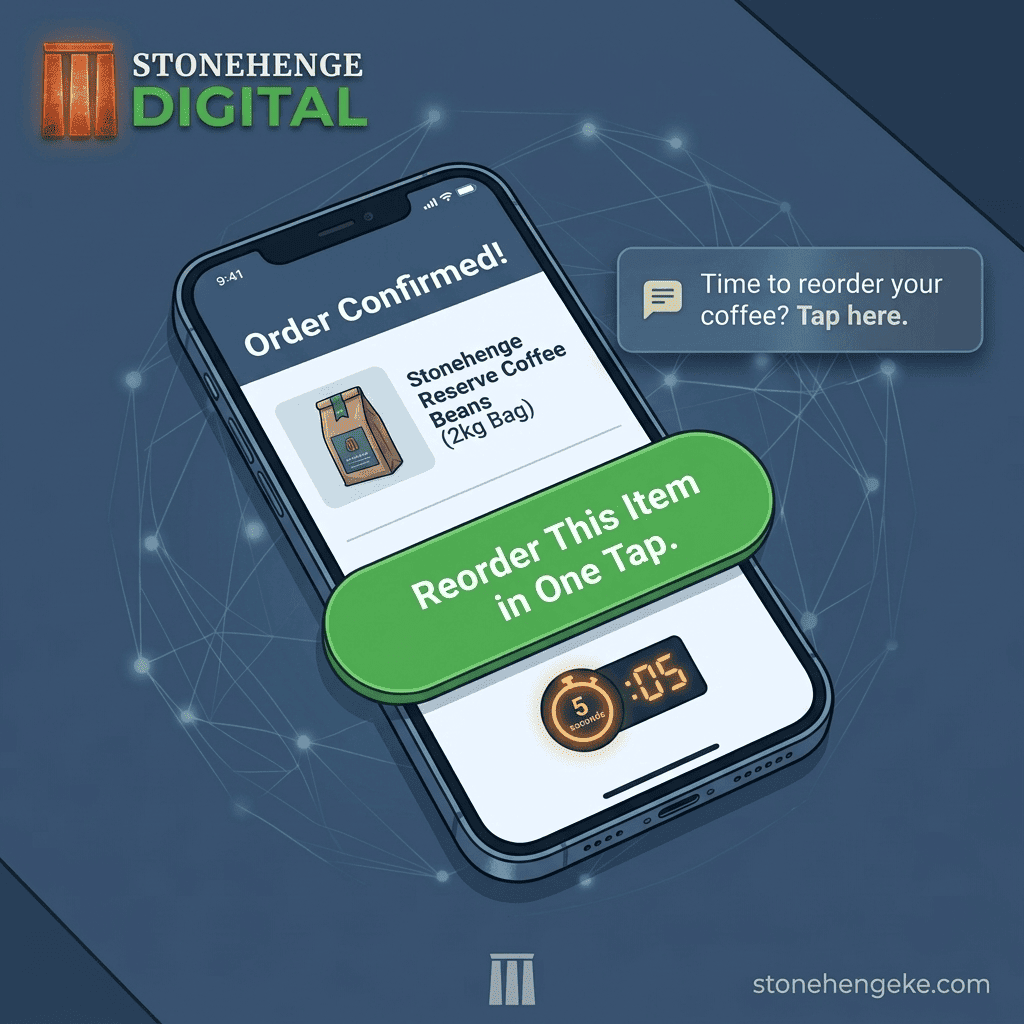
A convenient reorder button can prefill the customer's previous order details and take them straight to a checkout where they can review the current price, quantity, delivery address, and payment method.
In this tutorial, you will learn how to build a reorder feature, display it in the right places, send useful replenishment reminders, and measure whether the experience encourages more repeat purchases.
Step 01
Build the Order History Foundation
Before adding a reorder button, your e-commerce system needs a reliable order history. Each completed order should be associated with the correct customer and preserve enough information to reconstruct the original purchase.
Essential order history fields
- Customer ID: Links orders to the appropriate customer account or verified customer record.
- Order date and time: Records when the original purchase was made.
- Products and quantities: Identifies what the customer purchased and how much they ordered.
- Order price details: Preserves the historical unit prices, discounts, and applicable charges.
- Delivery address: Records the address used for that specific order.
- Payment reference and status: Helps establish whether the original transaction was successful.
Should you use the phone number as the customer ID?
A customer's M-Pesa number can be useful for payment processing and order communication, particularly in Kenya. However, it should not be the sole customer identifier.
Phone numbers can change, be shared, or be entered incorrectly. Use a stable internal customer ID, preferably linked to an authenticated customer account or another appropriate verified identity mechanism. Store phone numbers as contact details and use them for payments only after the customer has confirmed the number to use.
Privacy matters: Keep customer order history and contact details protected. Customers should only be able to access their own orders, and staff access should be limited to what is needed for their roles.
Step 02
Add a Reorder Button to the Confirmation Page
After a successful purchase, give customers a simple way to buy the same products again. You can display a reorder option on the order confirmation page or in the customer's order details.
Order confirmed
Thank you for your purchase!
Order #SH-1042 has been confirmed.
Your previous order
Coffee Beans, 1 kg x 2
Previously ordered on [Order Date]
Illustrative design only. The button must be connected to your actual reorder functionality.
When the customer clicks the button, your system can create a new draft checkout using the original products and quantities. It can also suggest the previous delivery address and preferred payment method.
What should the system prefill?
- The products from the selected previous order.
- The quantities, where the items remain available.
- The previous delivery address as a suggested selection.
- The customer's preferred payment option, where available.
- The current prices, delivery fees, stock status, and any applicable discounts.
Important: A reorder should create a new order, not reactivate or duplicate the previous transaction. Always let the customer review the current total and confirm the purchase before initiating an M-Pesa payment request.
Step 03
Add Reorder Buttons to Customer Accounts
A confirmation page is useful immediately after checkout, but a customer account makes the feature valuable long after the original purchase.
Add an Order History page where customers can view previous purchases and select which order or products they want to buy again.
Allow customers to reorder a complete order or select individual products. If an item has been discontinued, is out of stock, or has a new price, tell the customer and offer appropriate alternatives rather than silently substituting products.
Step 04
Automate Replenishment Reminders
Some products have a reasonably predictable consumption cycle. Customers may purchase coffee every month, skincare products every two months, or recurring business supplies at regular intervals.
With customer consent, you can use these patterns to send a helpful reminder around the time a customer may need to restock.
Example 01
Coffee
A reminder after approximately 30 days.
Example 02
Skincare
A reminder after approximately 60 days.
Example 03
Business Supplies
Reminders based on each customer's purchasing pattern.
Example reminder message
Customer SMS
Hi [Name], ready to restock your [Product]? You can review your previous order and reorder here: [Secure Reorder Link]. Prices and availability will be confirmed at checkout. Asante for shopping with us!
The reminder should lead to a secure page that prepares the order for review. The customer must remain in control of whether to purchase again.
How to configure the reminder workflow
- Define an optional replenishment interval for eligible products, such as 30 or 60 days.
- Record when a customer's relevant order was completed.
- Check whether the customer has agreed to receive the applicable reminders.
- Schedule a reminder around the estimated replenishment date.
- Include a secure reorder link and respect opt-outs, consent preferences, and message frequency limits.
Respect customer preferences: Purchase history should not automatically be treated as permission for promotional SMS messages. Obtain and record the appropriate consent, identify your business clearly, and provide a workable way for recipients to stop marketing messages.
Step 05
Track Your Repeat Purchase Rate
A reorder button is useful only if it makes the customer experience better and contributes to your business goals. Your dashboard should help you understand whether customers are returning and which features are helping them complete repeat purchases.
Compare results over consistent periods and customer groups. A reminder may receive clicks without generating sales, while a customer may return and buy without using the reorder button. Tracking these activities separately helps you understand the real effect of the feature.
The Financial Impact
Make Repeat Purchasing Easier to Measure and Improve
The original account supplied for this article describes a coffee subscription business that reported a 55% increase in repeat purchase frequency after implementing one-tap reorder, while automated reminders reportedly re-engaged 15% of lapsed customers.
Reported example
55%
Increase in repeat purchase frequency
Reported example
15%
Of lapsed customers reportedly re-engaged by reminders
These figures are examples from the supplied article content, not independently verified results. Confirm them against actual business records before presenting them as documented case studies. Results vary according to the product, customer behaviour, reminder consent, pricing, and implementation quality.
Reward Customer Loyalty with a Better Buying Experience
Your returning customers already know your business. A good reorder experience respects their time by making it easier to find familiar products and start another purchase.
Begin with an order history and a reorder button. Then add secure prefilled checkout, optional replenishment reminders, and analytics that reveal which customers are returning and which features are helping.
Keep the customer in control, confirm the current price and availability, and protect their personal information throughout the process.
Do not make your best customers work harder than necessary to buy from you again.
Ready to Grow Repeat Sales?
Add a Reorder Experience to Your Online Store
Stonehenge Digital KE helps Kenyan businesses build e-commerce websites with M-Pesa integration and practical order management features. Let's discuss how to make repeat purchasing easier for your customers.
Add One-Tap Reorder to My Store →Stonehenge Digital KE | E-commerce solutions for Kenyan businesses
Interested in E-Commerce Website with M-Pesa?
Let's build this for your business
Sell to any Kenyan with a phone. Full online shop with Safaricom STK Push payment — no card needed.