E-Commerce | Smarter Order Management
The 11 PM WhatsApp Order
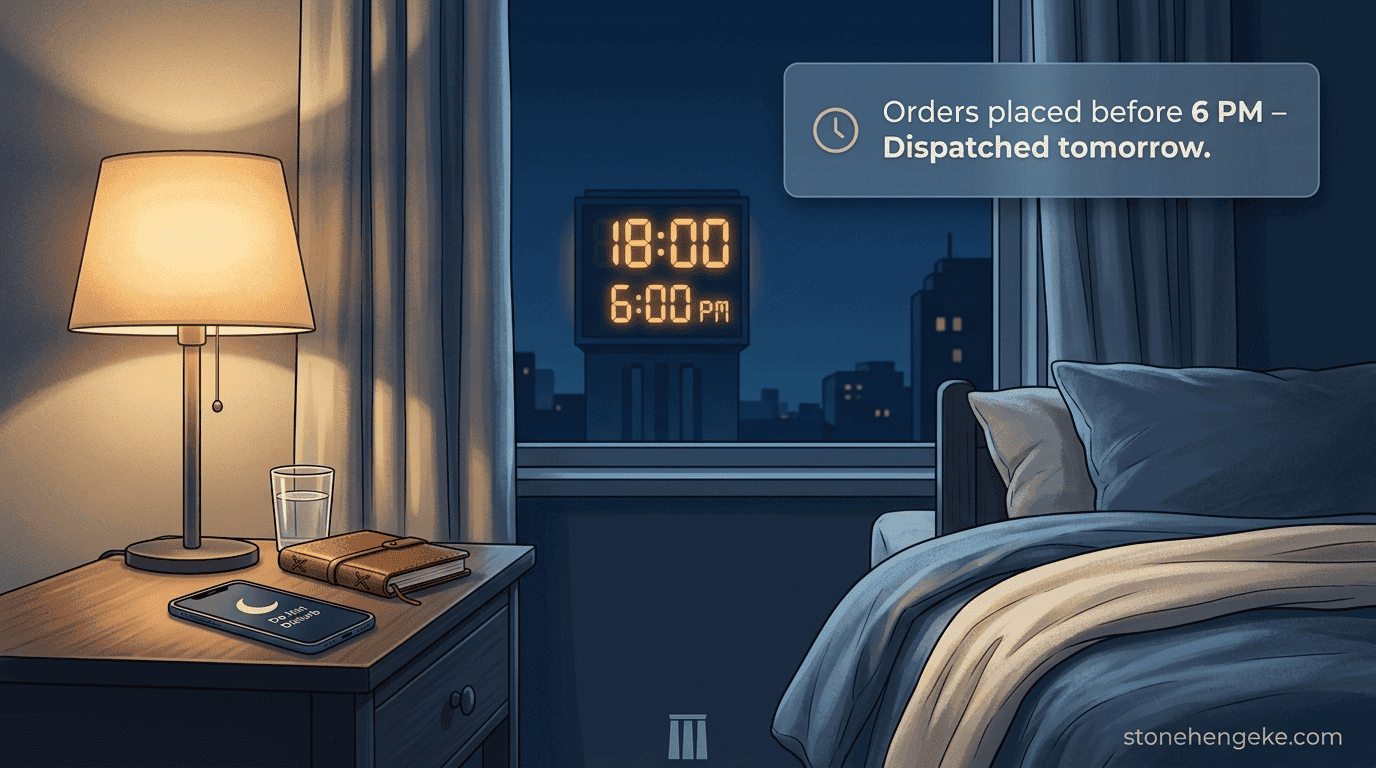
It is 11 PM. You are finally in bed when your phone buzzes. A customer has placed an order on WhatsApp and expects it to be delivered tomorrow morning.
Suddenly, you are wide awake. You are checking the product, replying to messages, calling your rider, arranging packaging, and updating your notebook so you do not forget the order. What should have been a peaceful evening has turned into another shift at work.
Sound familiar? For many small business owners, the problem is not a lack of customers. It is the absence of a clear process for handling orders after business hours.
A better way to work
Let customers order at any time without making every order an emergency.
A well-planned order cut-off gives your team a predictable dispatch schedule and gives you permission to switch off at the end of the day.
In this guide, you will learn how to establish an order cut-off time, automate customer messages, organise the morning dispatch list, and set expectations without turning away late-night orders.
Step 01
Decide Your Order Cut-Off Time
Your cut-off time is the latest time an order can qualify for a particular dispatch cycle. It should reflect how your business actually operates, not simply the time you would prefer to stop receiving orders.
Before choosing a time, consider:
Your rider's schedule
When does your rider finish deliveries, return to the dispatch point, or stop accepting new assignments?
Your preparation time
How long do you need to confirm payments, check stock, pack products, and prepare the next day's dispatch list?
Your personal boundaries
What time do you want to finish work, rest, and spend time with family without routine order processing interrupting you?
Common cut-off options
Earlier finish
5:00 PM
More time to prepare dispatch.
Example choice
6:00 PM
A clear evening boundary.
Later finish
8:00 PM
More evening ordering time.
Choose a cut-off that your team can maintain consistently. Your goal is not to stop customers from ordering. It is to establish when their orders will be processed and dispatched.
Step 02
Configure the Cut-Off in Your Dashboard
If your e-commerce system supports order scheduling, configure the cut-off centrally so the checkout, order confirmation, and dispatch dashboard all follow the same rules.
- Open Order Settings in your dashboard.
- Navigate to Cut-Off Time or the equivalent scheduling setting.
- Set your preferred time, such as 6:00 PM.
- Enable dynamic checkout messages if your system supports them.
- Configure working days, public holidays, and the next available dispatch cycle, then save and test your settings.
No automatic cut-off setting? You can still display your policy on the website and manage dispatch scheduling manually. The important thing is to use one consistent rule across your customer communications and internal records.
Step 03
Display a Pre-Cut-Off Banner
Let customers know that the dispatch cut-off is approaching. A short, informative banner can encourage people who are ready to order to complete checkout before the next dispatch cycle begins.
Example website banner
Order before 6:00 PM for the next working day's dispatch.
Orders placed after the cut-off will be assigned to the next available dispatch cycle.
You can display a countdown during the final hour before the cut-off, provided it is based on the actual cut-off time and the customer's local business schedule.
Example countdown message
Today's order cut-off is approaching.
Complete your order before 6:00 PM to qualify for the next scheduled dispatch cycle.
Avoid creating false urgency. If the cut-off has already passed, remove the countdown and show the next available dispatch date instead.
Step 04
Automate What Happens After the Cut-Off
After the cut-off, your website should continue accepting orders while updating the expected processing and dispatch schedule.
Update the delivery estimate
Show the next applicable working-day dispatch date, accounting for weekends, public holidays, and your business calendar.
Display a clear checkout message
Explain that the order was placed after the cut-off and specify when it is expected to be processed or dispatched.
Assign the correct dispatch status
Flag the order as Next Dispatch Cycle or use your system's equivalent order status so it appears in the right work queue.
Example post-cut-off message
Thanks for your order! Our 6:00 PM cut-off has passed. Your order is scheduled for processing on [Date], with dispatch expected on [Dispatch Date], subject to stock and payment confirmation.
This is an important distinction: processing, dispatch, and delivery are different stages. Do not promise that a parcel will arrive on a particular date if you only control when it leaves your premises.
Step 05
Generate the Morning Dispatch Report
Instead of waking up to a collection of WhatsApp messages and handwritten notes, start the day with one organised list of orders scheduled for dispatch.
If 7:00 AM works for your business, configure the dashboard to generate the report at that time. It should include eligible orders that are ready for dispatch, not simply every order received.
Your dispatch report can be grouped by location, delivery zone, and assigned rider. It can then be sent to authorised staff through your dashboard, rider app, or a printed manifest.
Protect your customers' information: Only include the personal details each rider needs to complete assigned deliveries, and restrict access to dispatch reports appropriately.
Step 06
Publish Your Dispatch Policy
Put your cut-off policy somewhere customers can find it before placing an order. Your FAQ, delivery information page, product page, and checkout are useful places to communicate the rules.
Copy-ready policy example
Our Order Dispatch Schedule
Orders placed before 6:00 PM on our operating days are considered for the next scheduled working-day dispatch. Orders placed after 6:00 PM are assigned to a later dispatch cycle.
We do not dispatch on Sundays or public holidays unless a special arrangement has been communicated and confirmed.
The actual dispatch date depends on stock availability, payment confirmation, and our operating schedule. Where delivery is handled by a rider or third-party courier, arrival times may also depend on the delivery route and service conditions.
Adjust this wording to match your actual operating days and fulfilment process. For example, if your store dispatches on Saturdays, state that clearly. Make sure the policy describes the next available working day accurately rather than assuming every day follows the same schedule.
Step 07
Help Customers Adjust to the New Routine
During the first few weeks, some customers may still expect immediate handling because they are used to ordering through WhatsApp at any hour. A simple confirmation message can reset expectations without making the customer feel unwelcome.
Example customer SMS
Hi [Name], asante for your order! We received your order after our 6:00 PM cut-off. It is scheduled for processing on [Date], with dispatch planned for [Dispatch Date]. We will share an update when it is ready. Thank you for shopping with us!
Apply the policy consistently. When customers receive clear information at checkout and in their confirmations, they can plan around your delivery schedule rather than expecting every order to be handled immediately.
The Boundary Benefit
Protect Your Evenings Without Turning Away Orders
An order cut-off is not just an operational setting. It is a way to establish a healthier relationship between your business and your personal time.
Fewer interruptions
Late orders enter the system without demanding immediate attention.
Better preparation
Your team begins the day with organised orders and a defined workflow.
Clear expectations
Customers understand when their orders will be handled.
Your business can continue receiving orders after hours while you get the space to rest, spend time with family, and plan for growth. A rested business owner is better placed to make sound decisions.
Set the Cut-Off. Reclaim Your Nights.
Start with one realistic cut-off time. Publish your dispatch policy, configure the checkout messages, and organise a daily report for orders that are ready to leave your premises.
You do not have to answer every late-night message or prepare every new order immediately. With a consistent system, customers can place orders when it suits them while your team processes those orders according to a schedule that works.
Let your systems manage the schedule, so your evenings can belong to you again.
Ready to Make Order Management Easier?
Put Your Order Cut-Off on Autopilot
Stonehenge Digital KE helps Kenyan businesses build e-commerce websites and practical digital workflows for orders, M-Pesa payments, and business operations. Let's discuss how to make your store easier to manage without sacrificing the customer experience.
Set Up My Order Cut-Off →Stonehenge Digital KE | E-commerce solutions for Kenyan businesses
Interested in E-Commerce Website with M-Pesa?
Let's build this for your business
Sell to any Kenyan with a phone. Full online shop with Safaricom STK Push payment — no card needed.