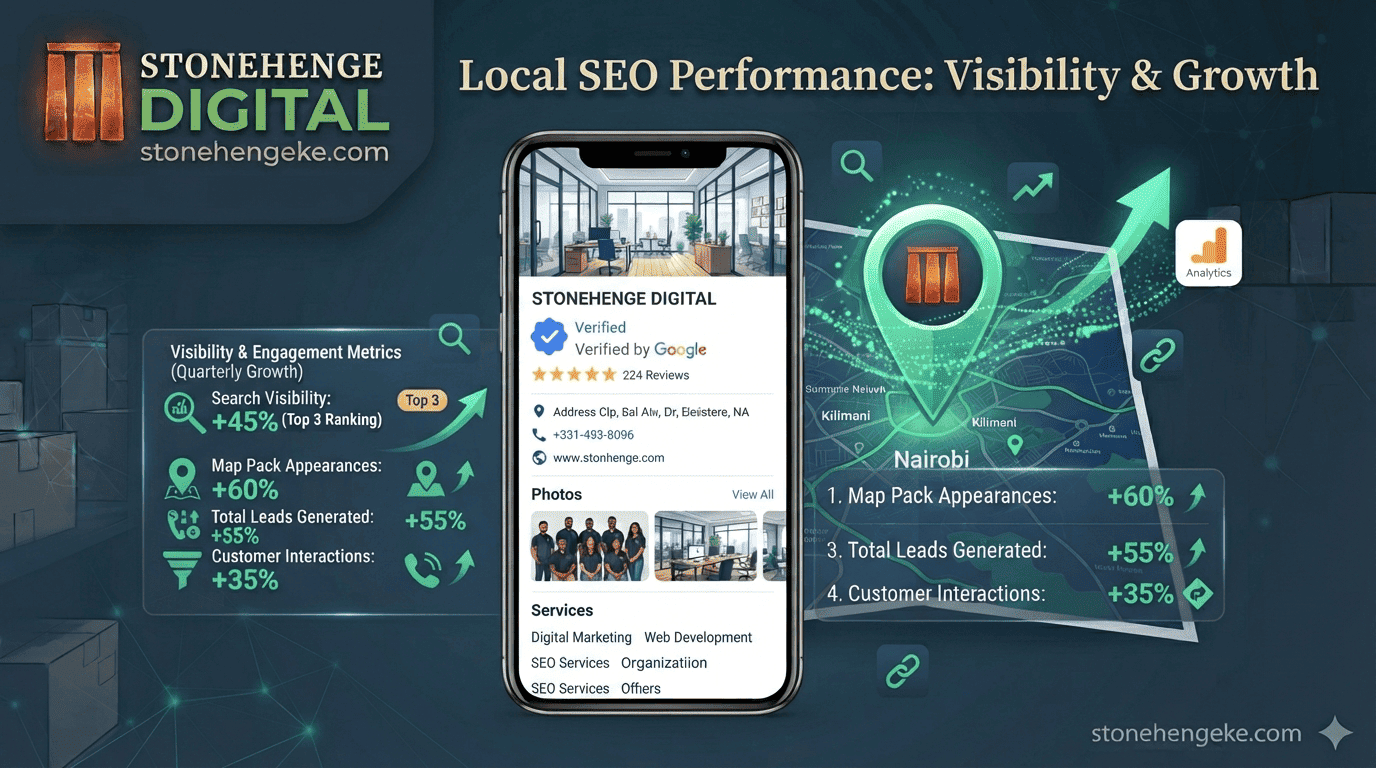
Your Most Important Free Marketing Asset
For any Kenyan business with a physical location or a local service area, your Google Business Profile is the single most powerful free marketing tool available. It decides whether you appear in the Map Pack.
The Map Pack is the three local results that dominate mobile searches. This tutorial walks you through claiming and optimising your Google Business Profile in 30 minutes.
Your 30 minute plan
This is not a weekend project. It is a short, focused setup that keeps working for you long after you close the laptop.
5 minutes
5 minutes
10 minutes
10 minutes
Step 1: Claim your profile
Five minutes of setup is all it takes to put a stake in the ground.
- Go to
business.google.com. - Sign in with your Google account.
- Search for your business name.
- If it appears, click "Claim this business."
- If it does not appear, click "Add your business."
- Enter your business name exactly as it appears on your signage and registration.
Step 2: Verify your business
Google will need to verify that you are the owner. There are three common routes, and each has a different wait time.
Mailed verification code
- Google mails a postcard with a code
- Sent to your registered address
- Takes 1 to 2 weeks
- Reliable but slow
- Good fallback when video is unavailable
Call or SMS code
- An automated call or SMS with a code
- Available for some businesses
- Fast when offered
- Requires a working local number
- Not guaranteed for every category
Record your premises
- Record a short video of your business
- Show your signage clearly
- Show some internal operations
- Google's newer option
- Increasingly common and fast
Step 3: Complete your business information
This is where most profiles lose the Map Pack. Every field below is either a ranking signal or a reason for a customer to choose you.
Exact and clean
- Use your exact registered name
- Example: Savanna Logistics Ltd
- Matches your signage
- Builds trust with customers
- Keeps you compliant with Google's rules
Cluttered and risky
- Example: Savanna Logistics Best Nairobi Delivery
- Looks like spam to customers
- Can trigger a suspension
- Hard to change once it sticks
- Undermines the trust you need
Category
Choose the most specific primary category, not the vaguest one. "Logistics Service" beats just "Business." You can add secondary categories later.
The primary category tells Google which searches you belong in.Address and service area
Enter your full physical address. If you serve customers at their location, you can hide your address and set a service area instead. Define the areas you serve, for example Nairobi, Kiambu and Machakos.
The service area helps you appear in searches from those areas, even without a shopfront.Hours, phone and website
Enter operating hours accurately, including holiday hours where relevant. Use a local Kenyan number, a Safaricom line is ideal. Link to your .co.ke website so your profile and your site boost each other.
A profile with wrong hours creates angry customers and poor reviews.Business description
Write up to 750 characters describing what you do, who you serve, and what makes you different. Include keywords naturally, without forcing them.
Attributes
Tick the attributes that genuinely apply: "Wheelchair accessible," "Free Wi-Fi," "M-Pesa accepted," and similar. These act as quick filters when customers narrow their search.
Step 4: Add your services
In the "Services" section, list every service you offer with a brief description. Each service is a potential keyword match for a search query.
Step 5: Upload photos
Add at least 10 high-quality photos. Profiles with photos get noticeably more engagement, and customers decide with their eyes before they read a word.
- Use real photos taken on a smartphone, not stock images.
- Keep location services on when taking them, for geo-tagging.
- Show the signage clearly so the location is recognisable.
- Refresh the gallery periodically so the profile looks active.
Step 6: Post your first update
Your Google Business Profile allows you to post updates, similar to social media. Post a welcome message, a special offer, or a photo of recent work. Regular posts signal an active business to Google.
Step 7: Ask for reviews
Reviews are the number one ranking factor for the Map Pack. After every successful customer interaction, send a WhatsApp message asking for one.
You are done
In 30 minutes, plus verification wait time, you have created a powerful local marketing asset.
Maintain it with regular photos, posts and reviews, and you will dominate local search in your area.
Ready to own the Map Pack?
Stonehenge Digital builds organisational websites and local search setups that put your business on the map, with clean profiles, structured services and a review habit built in.
Optimise My Google Business Profile →Interested in Portfolio & Organisational Website?
Let's build this for your business
A professional, mobile-first website that makes your business look credible and gets found on Google.