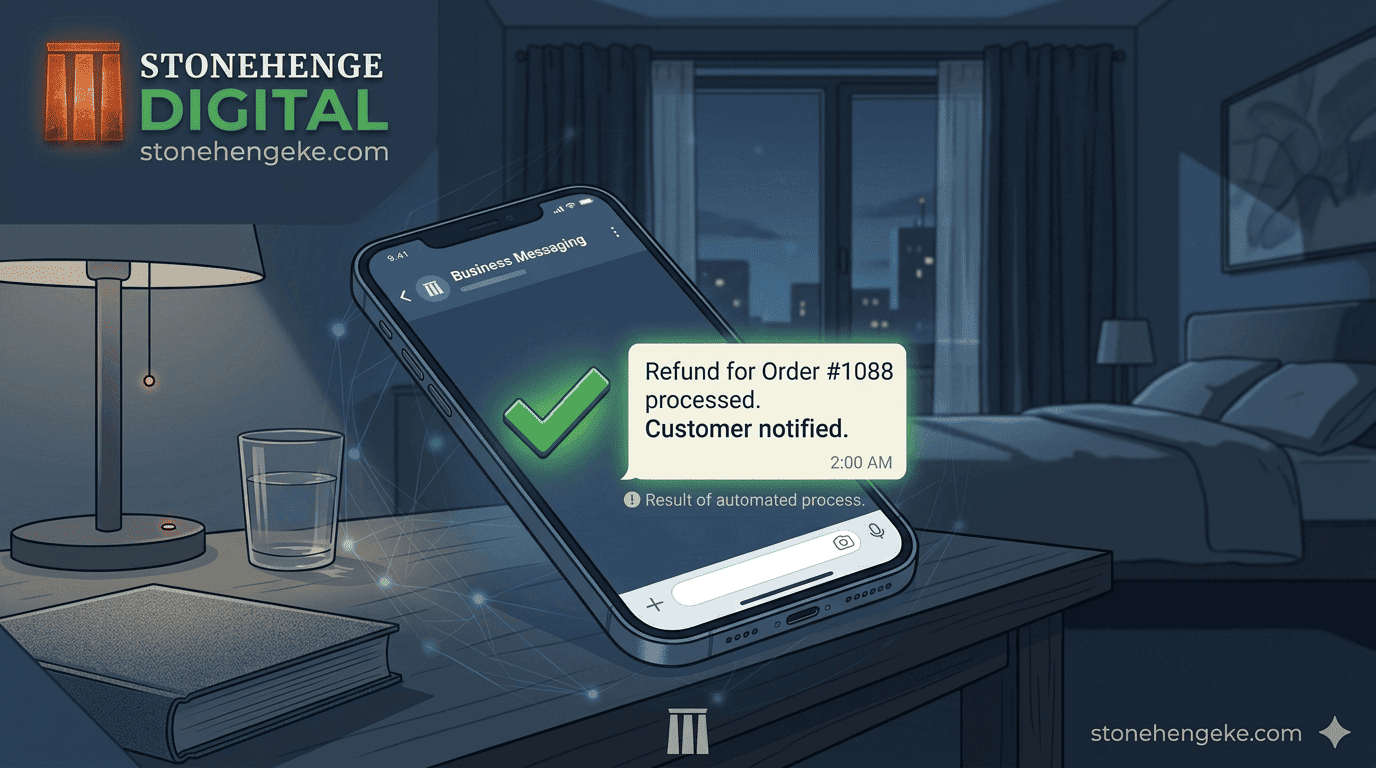
The 3 AM Refund Request
It is 3 AM. A customer is on WhatsApp demanding an immediate refund. If you respond, you are awake for an hour. If you do not, they escalate to social media.
Refund requests are emotionally draining. This tutorial shows you how to build a system that handles 80 percent of refunds automatically, so you only deal with the complex cases that actually need a person.
Step 1: Define your refund policy
Before you automate anything, you need clear rules. Write them down, and then display them on your website, on the checkout page and in the order confirmation email.
Six situations, six clear answers
| Situation | Outcome | Who pays return |
|---|---|---|
| Pre dispatch cancellation | Full refund | Nobody |
| Post dispatch, pre delivery | Minus delivery | Customer |
| Post delivery, unopened, within 7 days | Full refund | Customer |
| Post delivery, opened or used | No refund | Not applicable |
| Defective or damaged item | Full refund or replacement | Business |
| Digital product after download | No refund | Not applicable |
A policy that is written but hidden is the same as no policy. The customer needs to see it before they pay, not after they complain.
Step 2: Build the self service cancellation portal
For pre dispatch cancellations, automate the whole path
- The customer receives an order confirmation with a manage your order link.
- Clicking it opens a simple page with two actions: cancel order, or request refund.
- If the order status is pending or processing, and not yet dispatched, the system displays the refund amount and timing.
- The customer confirms.
- The system automatically initiates an M Pesa B2C reversal. If the payment was taken via STK Push, the reversal API handles this.
- The customer receives an automated SMS confirming the refund is being processed.
- Your dashboard records the cancellation and the refund together, in one action.
Step 3: The WhatsApp chatbot for post dispatch requests
Filter the casual requests, structure the serious ones
For orders already dispatched, a simple chatbot can handle the first exchange and give your team something usable to act on in the morning.
Step 4: The refund deduction transparency
State the fee before the customer asks
If the M Pesa transaction fee is non refundable, and B2C refunds usually incur a fee, state it clearly in the automated message rather than letting it appear as a surprise.
Step 5: Handle high value refunds manually
Some refunds deserve a phone call
Do not automate refunds above a certain threshold. Instead, flag the request for a personal call from a manager. This shows the customer they are valued, and it gives you a chance to resolve the underlying issue.
Often the customer does not actually want the money back. They want the product fixed, an exchange, or simply to be heard. A five minute call saves the sale that an automatic refund would have ended.
Step 6: Track refund metrics
- Refund rate The percentage of orders refunded. If it climbs, investigate the cause, whether that is product quality, delivery delays or inaccurate listings.
- Refund reason categories Changed mind, damaged, late delivery, not as described. This is the clearest map of where to improve the business.
- Time to refund How long from request to money back. Aim for under 24 hours, and measure it honestly.
Step 7: The post refund follow up
This turns a negative experience into a potential second chance. It also produces the most honest feedback you will ever receive, because the customer has nothing left to lose.
The sanity return
Everyone gets a better outcome
With automation handling 80 percent of refunds, your team focuses on the complex cases, your customers get fast and fair resolution, and your brand reputation remains intact through the moments that used to damage it.
A pre launch checklist
- The refund policy is written and visible on the site, checkout and confirmation email
- Pre dispatch cancellations can be completed without staff involvement
- The M Pesa reversal is triggered automatically and confirmed to the customer
- The chatbot asks for an order number before making any promise
- Any processing fee is stated before the customer confirms
- Refunds above the threshold route to a named manager
- Refund reasons are categorised and reviewed monthly
- Every refund is followed by one respectful follow up message
Build the system. Reclaim your peace of mind.
Define the rules, automate the simple cases, let a human take the expensive ones, and always follow up. The 3 AM message still arrives, but it no longer needs you to answer it.
Ready to automate your refunds?
Stonehenge Digital builds e commerce checkouts with self service cancellation, automatic M Pesa reversals, a WhatsApp chatbot and refund reporting by reason.
Automate My Refund Process →Interested in E-Commerce Website with M-Pesa?
Let's build this for your business
Sell to any Kenyan with a phone. Full online shop with Safaricom STK Push payment — no card needed.