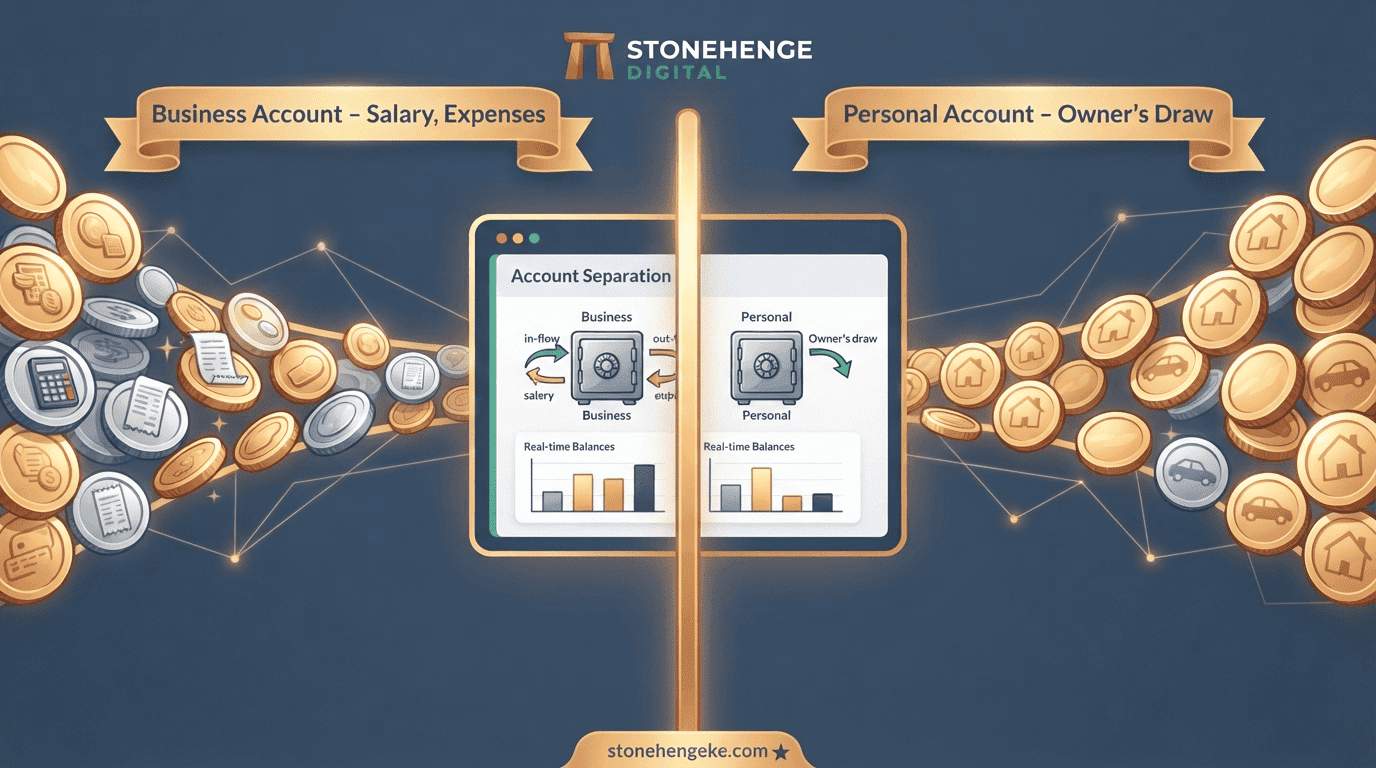
The “Nimekula Kwa Biashara” Habit
You are at the shop. You are hungry. You take KSh 500 from the till for lunch. You tell yourself, "Nimekula kwa biashara." It happens several times a week. By month-end, you have no idea how much of the business's money went to personal expenses.
Your "profit" is whatever is left after you have taken what you need. This tutorial shows you how to use your dashboard to draw a permanent, clear line between business and personal money.
Step 1: Separate your payment channels
This is the physical foundation. You need distinct channels for business and personal money, so that the line exists before any transaction happens.
Business and personal mixed
- Lunch taken from the till
- School fees taken from the till
- No record of what was taken
- Profit is whatever is left
- You cannot tell what the business really earns
Business and personal separated
- Business M-Pesa line and Till number
- Business bank account for larger transactions
- Personal M-Pesa line
- Personal bank account
- True profit becomes visible
Step 2: Set up the Owner's Salary expense category
Your dashboard needs a place to record what you pay yourself, separate from everything else. Add two categories.
- In your dashboard, go to "Chart of Accounts" or "Expense Categories."
- Add a new category: Owner's Salary.
- Add another category: Owner's Draw.
The distinction between the two matters more than the names suggest.
Planned and recurring
- A fixed, recurring payment for your work
- A business expense, like rent
- Paid on a set date every month
- Does not reduce your equity
- Built into the cost of operation
Extra and tracked
- Money taken beyond your salary
- Reduces your equity in the business
- Used for emergencies or personal purchases
- Must be logged, never silent
- Shows whether the business can sustain it
Step 3: Determine your market salary
If you were hiring someone to do your job, what would you pay them? Be honest. That number is your fixed salary, and it is non-negotiable.
Step 4: Set up the auto-transfer
Make your salary automatic so that paying yourself is no longer a decision you have to remember to make.
- In your dashboard, go to "Recurring Transactions" or "Scheduled Transfers."
- Create a monthly or weekly transfer from your business M-Pesa to your personal M-Pesa.
- Amount: your determined salary, for example KSh 50,000.
- Date: the 1st of every month, or every Friday for weekly.
- Category: "Owner's Salary."
- Activate.
Step 5: Log every personal withdrawal as Owner's Draw
If you must take money beyond your salary, for an emergency, school fees, or a personal purchase, log it in the dashboard as "Owner's Draw." This ensures it is tracked and does not silently blend into business expenses.
- Open the dashboard mobile app.
- Click "Add Expense."
- Amount: the amount you took.
- Category: "Owner's Draw."
- Note: "School fees" or "Personal emergency."
- Save.
Step 6: Review the Owner's Draw report monthly
At month-end, run the "Owner's Draw" report. This shows you exactly how much you took beyond your salary.
Step 7: The psychological shift
When your salary is a fixed expense, two things happen, and neither of them is about accounting.
You value yourself properly
You stop thinking "the business cannot afford to pay me." It must. It is a cost of operation, just like rent or stock.
"A salary is not a reward. It is a line item."You see true business profit
Many businesses that appear profitable are only so because the owner is not being paid. Once a fair salary is accounted for, the truth emerges.
"Profit that depends on unpaid labour is not profit. It is a loan from yourself."The discipline that changes everything
This is the hardest habit to build, but the most transformative. When business and personal money are separate, you know exactly where you stand. You can make real decisions. You can grow.
Draw the line today.
Ready to draw the line?
Stonehenge Digital builds business management systems that separate business and personal money, automate your owner's salary and track every owner's draw, so your profit is finally visible.
Separate My Business & Personal Finances →Interested in Business Management System?
Let's build this for your business
Replace spreadsheets, paper records, and WhatsApp chaos with a custom system built for exactly how your business works.